








Some links are affiliate links. If you book through them we may earn a small commission at no extra cost to you.
You can travel round Thailand with a phone and very little else. A taxi in Bangkok, dinner delivered to a villa in Phuket, a ferry to Koh Tao, a chat with your guesthouse owner: there’s an app for each, and most work fine in English. The catch is that the app lists most travel blogs repeat are years out of date. foodpanda has gone, Uber left long ago, and the payment apps that matter depend on which country your bank is in.
The short answer: install Grab, LINE, Google Maps and Google Translate before you fly, set up a way to pay (a card, plus a QR-capable app if your country has one), and add 12Go if you’re travelling between regions. That covers almost everything a visitor does. The rest of this guide explains each one, and the handful of others that are worth it in particular situations.
- Taxis: Grab (everywhere tourists go) and Bolt (13 cities); no Uber
- Food delivery: Grab Food and LINE MAN; foodpanda left in May 2025
- Messaging: LINE, not WhatsApp, is how Thai businesses talk to customers
- Paying: Thai QR codes are everywhere; only some foreign apps can scan them
- Maps and language: Google Maps and Google Translate, both with offline downloads
- Long-distance travel: 12Go for buses, trains and ferries in English
- Official: the TDAC arrival card is a website, not an app; Tourist Police on 1155
Ride-hailing apps: Grab and Bolt
Grab
Grab is the one app nearly every visitor ends up using. It books cars, motorbike taxis and ordinary metered taxis, delivers food, and quotes the fare before you confirm, which takes the haggling out of every ride. Grab’s own list of service areas covers Bangkok, Pattaya, Hua Hin, Chiang Mai, Chiang Rai, Phuket, Koh Samui, Krabi, Hat Yai, Ayutthaya, Kanchanaburi and dozens of smaller provinces.
You can pay in cash or link a foreign card, and the GrabTaxi option sends a licensed metered taxi if you’d rather have one.
Insider Tip: set up Grab and Bolt at home, where your usual phone number can receive the verification text, and stay logged in. A data-only eSIM can’t receive a text, which makes verifying a new account after you land harder.
Bolt
Bolt often quotes a little less than Grab for the same trip, which is why many residents keep both apps and compare. Its coverage is narrower. Bolt’s own city list, checked in November 2026, names 13 Thai cities: Bangkok, Chiang Mai, Chiang Rai, Phuket, Krabi, Surat Thani, Nakhon Si Thammarat, Khon Kaen, Udon Thani, Nakhon Ratchasima, Buriram, Maha Sarakham and Phitsanulok. Pattaya, Hua Hin and Koh Samui aren’t on it.
Bolt had a rough 2026 in Thailand. In April the Department of Land Transport warned it might not renew Bolt’s operating approval after a run of safety complaints, and Bolt kept running while it applied to renew. Since 1 October 2026 every ride-hailing driver in Thailand, on any app, has had to hold a public driving licence.
| Grab | Bolt | |
|---|---|---|
| Coverage | All main tourist areas, islands included | 13 cities; not Pattaya, Hua Hin or Samui |
| Price | Fixed quote before booking | Fixed quote, often a little lower |
| Services | Cars, motorbikes, metered taxis, food, parcels | Cars, motorbikes |
| Best for | Reliability, airports, rain and rush hour | Saving a little on city trips |
When neither app finds a car, a metered taxi is the fallback. Bangkok meters start at 35 THB for a small taxi and 40 THB for a large one; insist the driver turns it on. On small islands with few cars, Koh Lipe for example, you’ll be walking or taking a longtail. Our getting around guide covers taxis, songthaews and tuk-tuks in more detail.
Bangkok’s trains, and travelling between cities
In Bangkok you barely need an app for the trains. The MRT Blue and Purple lines take contactless Visa and Mastercard straight at the gate. The BTS Skytrain still needs a Rabbit card or a single ticket from the machine. Google Maps plans routes across both. Our BTS and MRT guide explains which line goes where.
For journeys between regions, 12Go is the easiest way to book buses, trains, minivans and ferries in English, with e-tickets sent to your phone. It’s particularly useful for island hops where several companies run the same route, such as Bangkok to Chiang Mai by sleeper train or Surat Thani to the Gulf islands. The State Railway’s own D-Ticket site sells train tickets direct but is fiddlier to use. Flights are easiest booked through the airlines’ own apps or a comparison site; see our flights guide.
Food delivery: Grab Food and LINE MAN
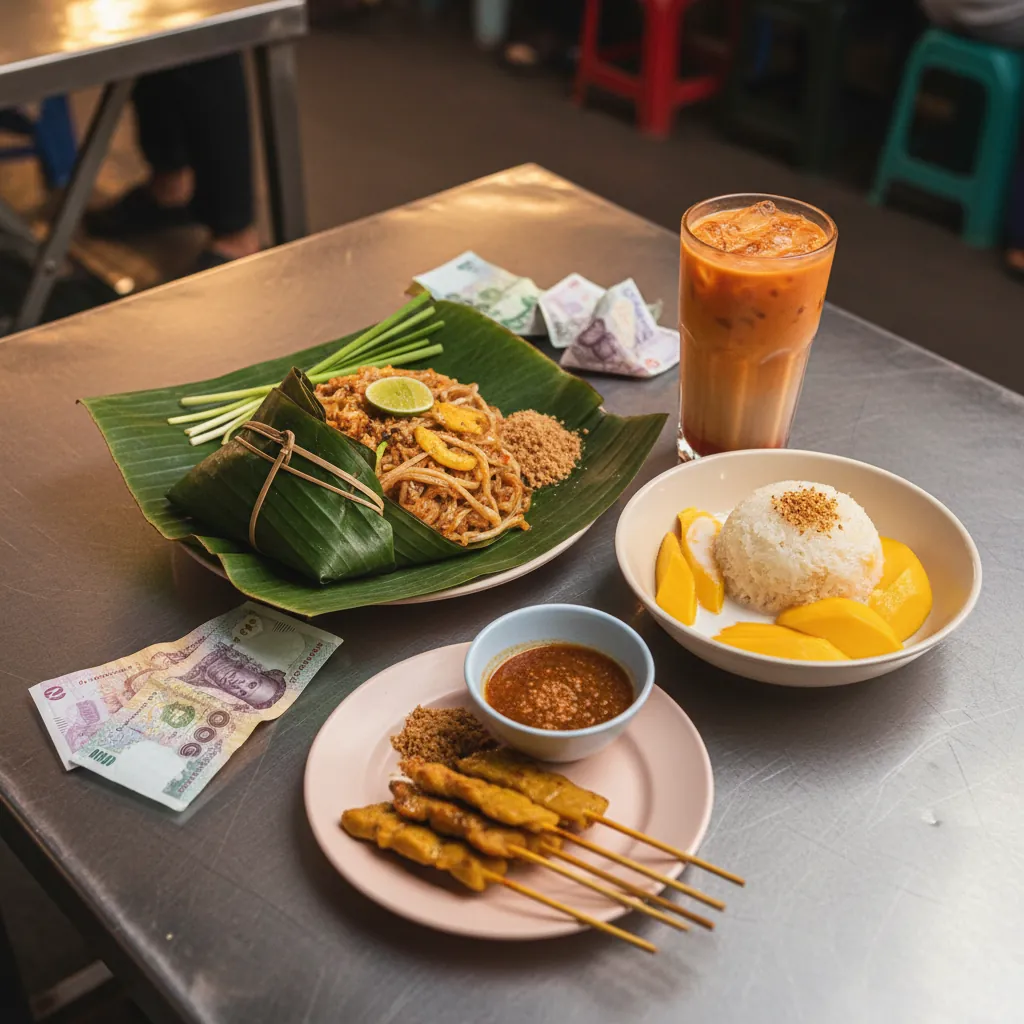
Most food blogs still recommend foodpanda. It left Thailand in May 2025, and Grab Food and LINE MAN now take close to 90% of delivery orders between them. Grab Food is the easier one if you’re already using Grab for taxis, and its menus often come with English names and photos. LINE MAN’s sister app Wongnai is Thailand’s main restaurant review site, useful for finding places the big English-language review sites miss.
Delivery is cheap in Thai cities, which makes it a good option on a rainy-season evening or after a long day out. For eating out instead, start with our Thai food guide or the Bangkok street food guide.
Messaging: LINE
LINE is Thailand’s main messaging app, used by almost everyone from guesthouse owners to dive shops and tailors. Many small businesses give a LINE ID instead of a phone number or email, and some have a LINE account but no website at all. WhatsApp works too, but plenty of Thai businesses don’t answer on it.
Set up LINE before you go and add your hotel’s LINE account when you check in. It’s the quickest way to ask for an early breakfast, a taxi or a late checkout, and you can send voice messages or photos when language gets in the way.
Paying with your phone: Thai QR codes
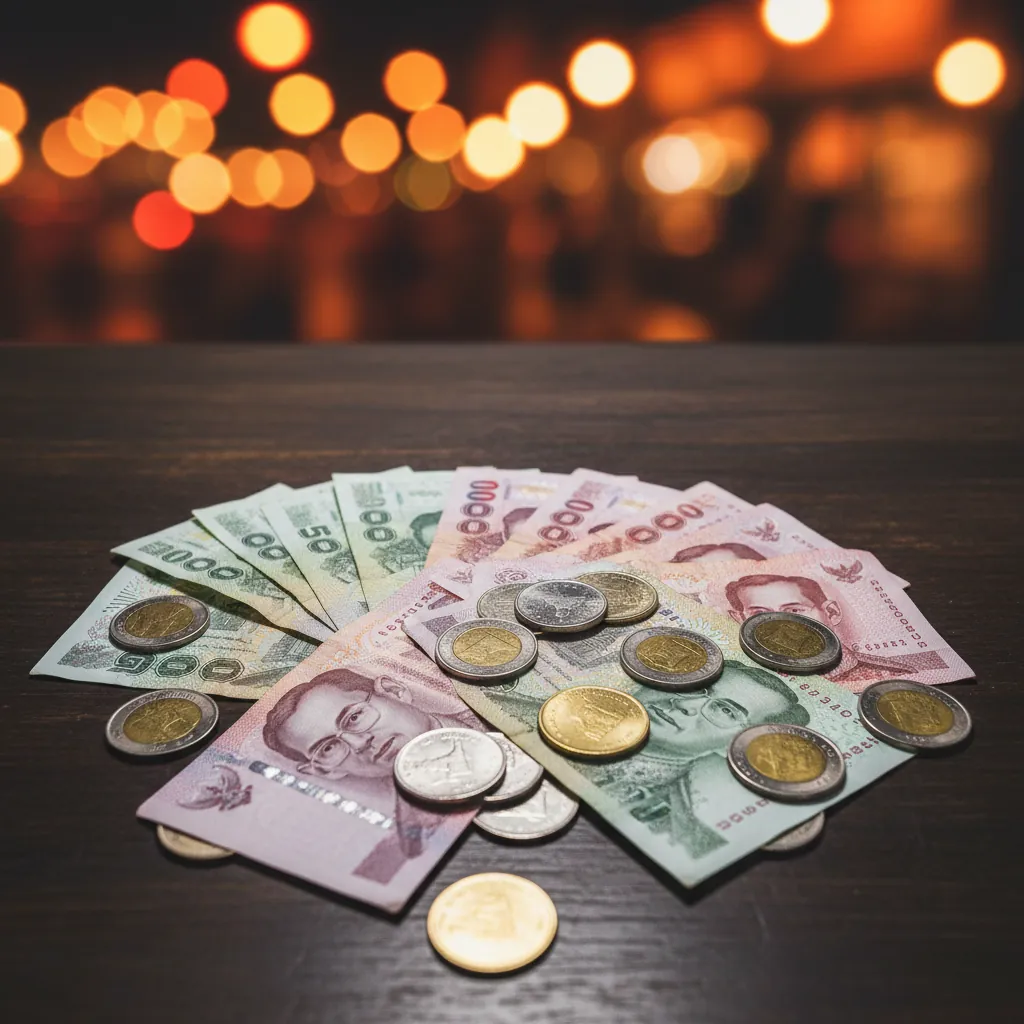
Thailand runs on QR payments. Street stalls, markets, taxis and temple donation boxes display a Thai QR code, and locals pay by scanning it with a banking app linked to PromptPay. The problem for visitors is that PromptPay needs a Thai bank account.
Some foreign apps can scan those codes anyway. The Bank of Thailand lists links for:
- China: Alipay, WeChat Pay and UnionPay apps
- South Korea: the paybooc banking app
- Malaysia: the Public Bank app
- Indonesia, Cambodia and Laos: participating banking and payment apps
Wise says its app can also pay QR codes that accept Alipay+. If none of these apply to you, keep cash for markets and street food, and use a card in malls, hotels and restaurants. Our money guide covers travel cards, ATM fees and how much cash to carry.
Maps, translation and staying online
Google Maps is accurate across Thailand, shows opening hours and reviews for most restaurants and attractions, and handles Bangkok’s public transport. Download the offline map for each area before you go. It’s handy on islands and in national parks where the signal drops.
Google Translate handles Thai well enough for menus, signs and short conversations. Download the Thai language pack for offline use, and try the camera mode on menus written only in Thai script. Learning a few words still helps; our basic Thai phrases guide has the ones that matter.
Data: every app above needs mobile data. An eSIM is the easiest way to have it working the moment you land; our eSIM guide compares the plans. If you need a Thai phone number, for a Thai bank, some government portals or a drone registration, buy a tourist SIM with calls and texts instead.
Official apps and websites
- Thailand Digital Arrival Card (TDAC): not an app. It’s an online form at tdac.immigration.go.th, filled in within the three days before you arrive. Our TDAC guide walks through it.
- THIM (Thailand Immigration Management): an app Thai immigration introduced in June 2026. It reads your passport photo page, links to the TDAC details and lets registered users reach the Tourist Police hotline. It’s optional and doesn’t replace the TDAC.
- Tourist Police: call 1155 from any Thai number for English-speaking help, 24 hours a day. Save it in your contacts; the safety guide lists the other emergency numbers.
- Air quality: northern Thailand’s burning season, worst in March and April, can push pollution in Chiang Mai to hazardous levels. Air4Thai, the Pollution Control Department’s app, and IQAir both show live readings from monitoring stations.
Watch out: searching “TDAC” or “Thailand arrival card app” turns up lookalike sites and apps that charge for the form. The official one is free and says “No Fees Required” on its own page.
Booking hotels and tours
Hotel booking apps work as they do anywhere. Agoda and Booking.com between them list most Thai hotels, guesthouses and villas, and prices can differ, so it’s worth checking both for longer stays. For day trips, cooking classes and island tours, compare what’s on offer in our tours guide before you book.
Set up before you fly: a checklist
- Install Grab (and Bolt if you’re heading to its cities), and verify both with your home number
- Install LINE and set a display name and photo
- Download offline Google Maps for each area on your itinerary
- Download the Thai pack in Google Translate
- Check your bank or wallet against the Bank of Thailand’s QR list, and bring cash if it isn’t on it
- Buy your eSIM or plan where to pick up a SIM at the airport
- Fill in the TDAC online within three days of arrival
- Save 1155 for the Tourist Police and your insurer’s emergency number